
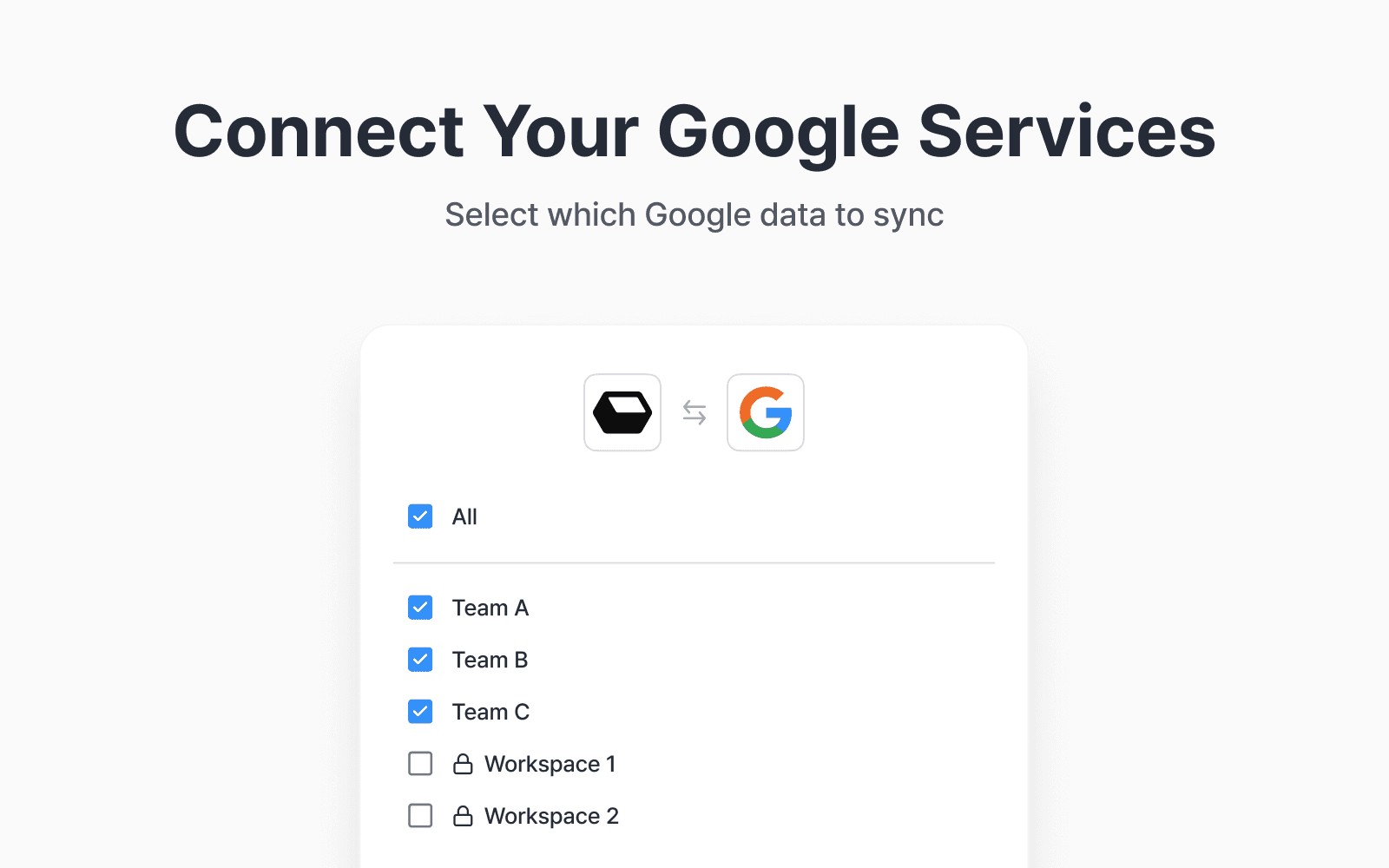
How does Redbrick AI connect to Google services?
It connects securely through official APIs. Redbrick Enterprise AI integrates directly with Google Drive, Gmail, Slack, and other enterprise tools to safely search and summarize your documents and emails. Once a Google Workspace Super Admin approves Domain-Wide Delegation, Redbrick indexes and retrieves data only within each user’s access permissions. All data is encrypted in storage and transit, and never used for AI model training.
How is my data protected?
Redbrick applies the following technical and administrative security measures to protect users’ personal information and companies’ sensitive data.
Data Encryption
All user data is encrypted during both transmission and storage to prevent unauthorized access or leakage.
Data in transit: All data transmissions are protected using encryption protocols of TLS 1.2 or higher.
Data at rest: Data is encrypted and stored using industry-standard encryption algorithms (AES-256).
Non-Retention Policy
Except where necessary to provide the service, Redbrick does not retain user data long-term, and data generated during AI processing is handled only temporarily.
Data is retained only for the minimum period required to provide the service.
Upon user request, all personal data is deleted within 30 days.
Access Control & Authorization
Access to personal and sensitive data is strictly limited through Role-Based Access Control (RBAC), ensuring that only authorized users can access such data.
Access is granted strictly according to the principle of least privilege.
Secure user authentication is performed using the OAuth 2.0 protocol.
Users may revoke the app’s access permissions at any time.
Collected sensitive data is used only for the explicitly stated service purposes.
Data is not shared with third parties without the user’s explicit consent.
Protection of Sensitive Information
Redbrick applies protective measures to prevent unauthorized exposure when processing personal and sensitive information (such as internal corporate documents, files, and emails).
Additional safeguards, including data masking, may be applied when necessary.Secure Infrastructure & Environment Isolation
The service operates in logically isolated environments for each customer, preventing data interference across tenants.
Redbrick also supports deployment within internal corporate networks or security-enhanced environments.Security Monitoring & Continuous Improvement
Redbrick continuously improves its data protection standards through regular security reviews and internal policy evaluations.
Regular security audits and vulnerability assessments are conducted.
In the event of a data breach, affected users will be notified within 72 hours.
Compliance with Google API Services User Data Policy
Redbrick complies with the Google API Services User Data Policy and adheres to the following principles:
Limited Use: Google user data is used solely to provide user-facing features and functionality.
Restricted Human Access: User data is processed primarily through automated systems and may be accessed by humans only when required for legal compliance or security incident response.
Does the AI learn from my files?
No.
Redbrick Enterprise AI does not train on or share your data with OpenAI, Anthropic, Google, or any other external provider. Your information stays within your organization’s environment and is used only for search and retrieval purposes in the vector database. You retain 100% ownership of your data at all times.
What happens if I disconnect an integration?
If you disconnect Google Drive, Gmail, or Slack, all indexed data from that service is automatically deleted from Redbrick AI. References may still appear in past chat history, but clicking those files will display the following notice:
“This file has been deleted from the original service and is no longer accessible.”
Why does Redbrick AI request access to my basic Google profile information?
We use your Google email address and basic profile (name and profile picture) to:
Create and register your account in Redbrick
Display your identity inside the system (e.g., for personalized dashboard, audit logs, and AI chat history ownership)
Support sign-in via “Continue with Google” as a secure social login method
Which Google API scopes does Redbrick AI request?
Redbrick AI uses the following Google API scopes to enable secure and limited access for Gmail and Google Drive integrations:
Connector Scopes:
https://www.googleapis.com/auth/admin.directory.user.readonly
https://www.googleapis.com/auth/drive.readonly
https://www.googleapis.com/auth/gmail.readonly
https://www.googleapis.com/auth/gmail.modify
https://www.googleapis.com/auth/gmail.metadata
https://www.googleapis.com/auth/admin.directory.rolemanagement.readonly